
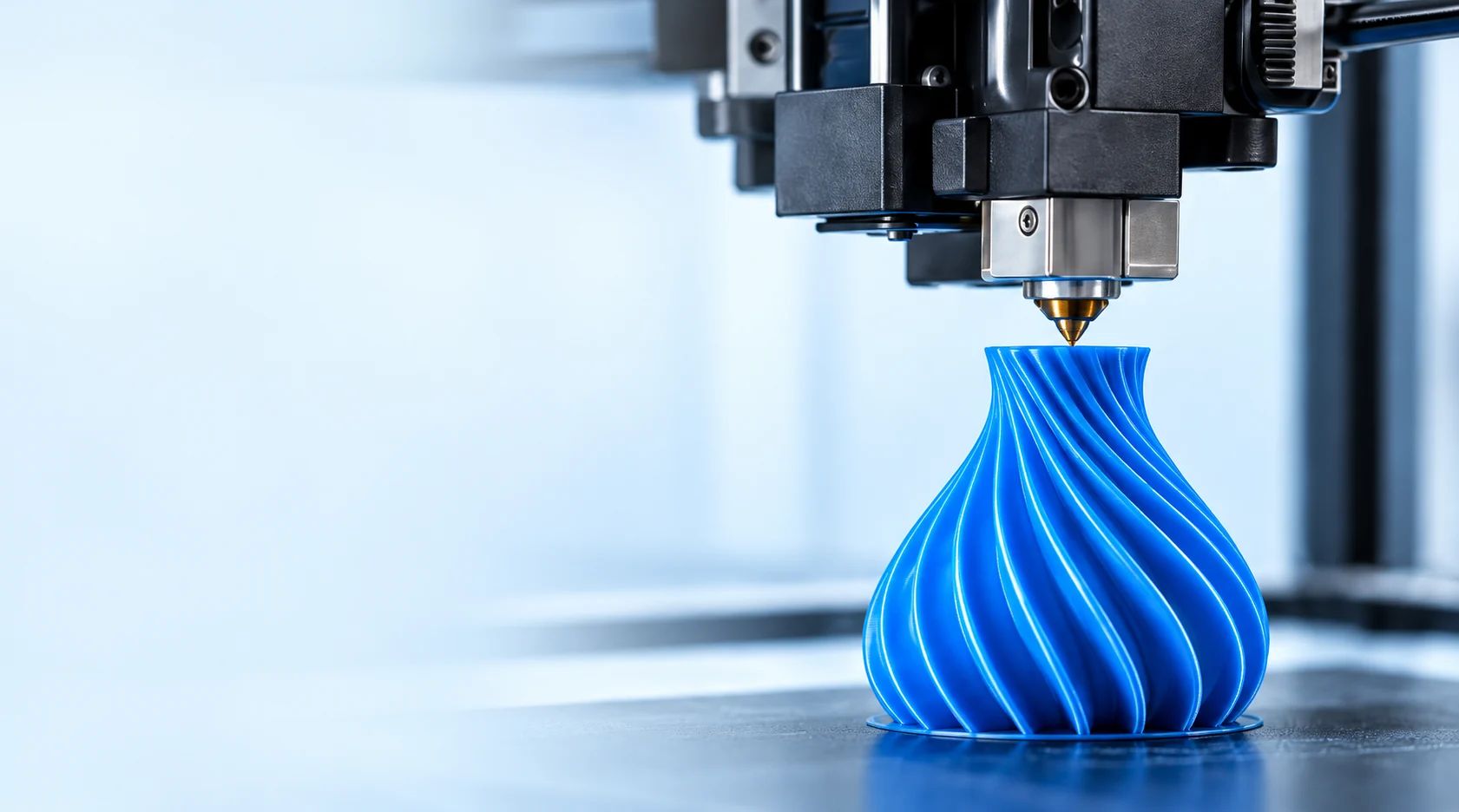
PRINT SETTINGS
A considered setup
A considered setup
for every material.
From printer preparation to test prints, follow a clear process and record what works for your setup.
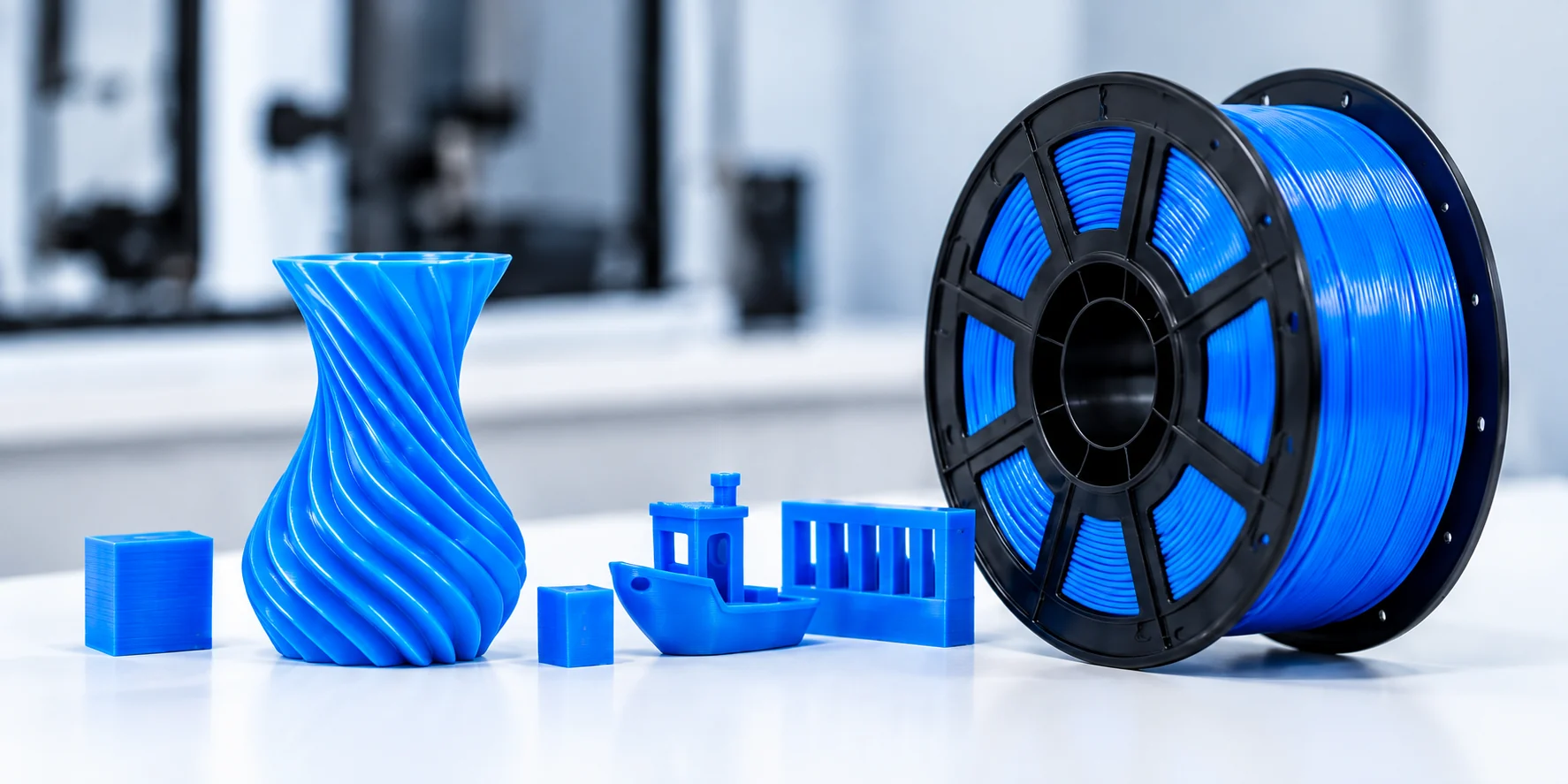
Five Steps to a Better Print
A practical workflow for testing PLA and PETG filaments.
01
Identify your filament
Check the material series, color and any specific requirements.

02
Check the printer
Check the nozzle, build surface and material feeding.

03
Start with a suitable profile
Use a material-appropriate slicer profile and adjust for your printer.
04
Evaluate a test print
Check appearance, surface quality and dimensions.
05
Record the result
Note your settings and observations for future comparisons.
Your test record
Use this on-page worksheet to record your setup. It stays in this browser tab and is not submitted.
Troubleshooting Notes
Compare results under consistent conditions and share useful evidence.
Keep conditions consistent
Change one setting at a time and keep the other conditions the same. This helps you identify what affects the result.
Get Support →
Share the evidence
Send clear photos along with the material series, printer and settings used.
Get Support →More Resources
Helpful guides for material selection and print evaluation.

連絡を取る
Need help with
Need help with
your print settings?
Tell us your material, printer and the settings used.
中国山東省淄博市