
Tips for better print quality
A consistent setup, a useful test model and clear records make printing issues easier to discuss.
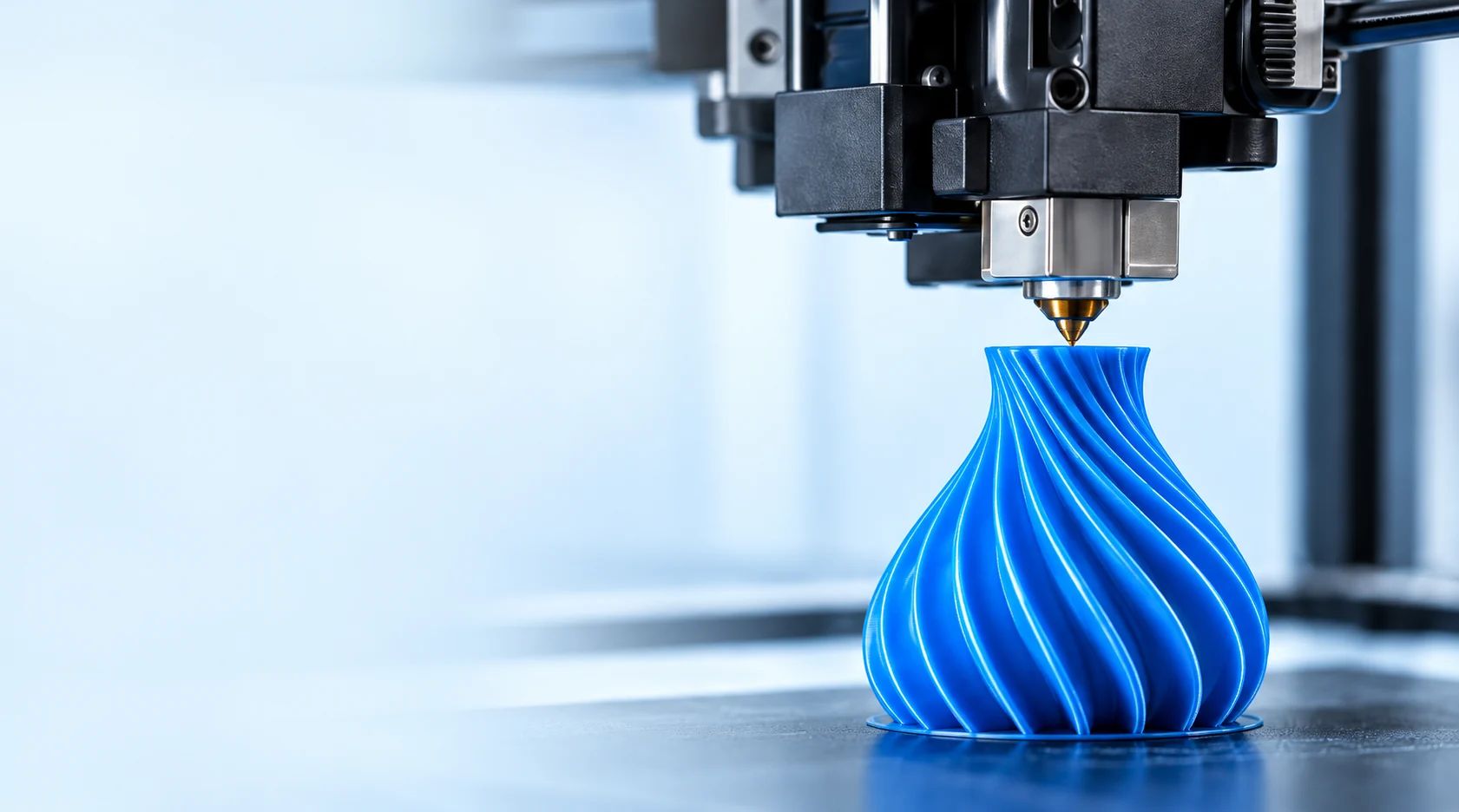
1. Prepare the printer
Check the nozzle, build surface, material path and spool feeding before starting a test. Use the printer manufacturer’s instructions when carrying out maintenance or setup checks. Record anything changed since the previous successful print.
2. Use a suitable starting profile
Select a profile appropriate for the material and your printer. Confirm any material-specific requirement that is not documented. Avoid changing several settings at once, since that makes it difficult to see which change affected the result.
3. Print a useful test model
Choose a model that represents the appearance or features you need to evaluate. Review the surface, visible layers, fit and any relevant dimensions. Keep the test model and viewing conditions consistent across comparisons.
4. Record and share the evidence
Note the material series, color, printer, nozzle, slicer and settings. Take clear photographs of the print and the observed issue. Share those details through our technical support page so our team can discuss a useful next step.
Related articles
材料
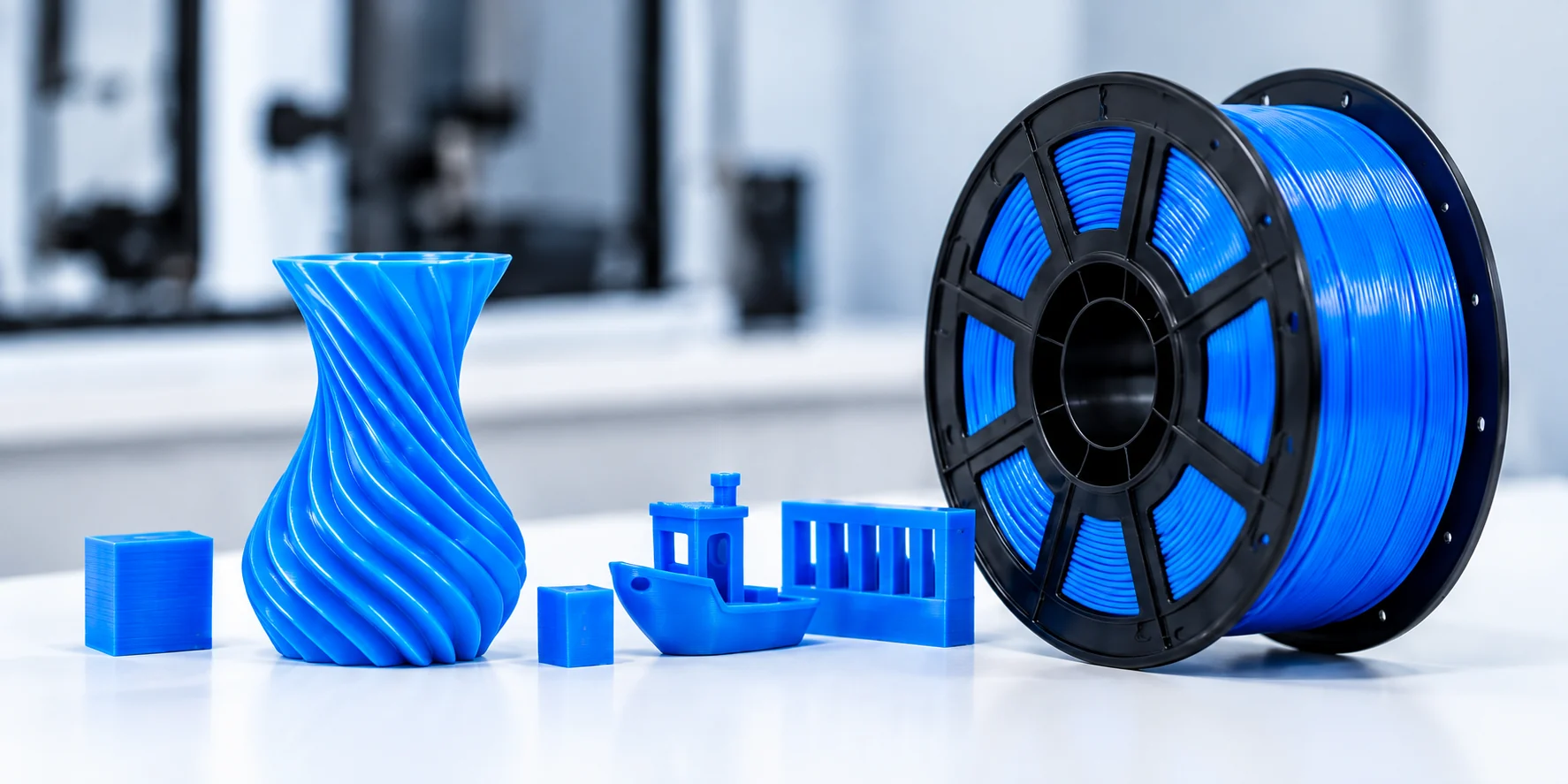
How to evaluate a filament sample
A practical guide to assessing filament samples, from print appearance and consistency to packaging and suitability for your application.
Read More →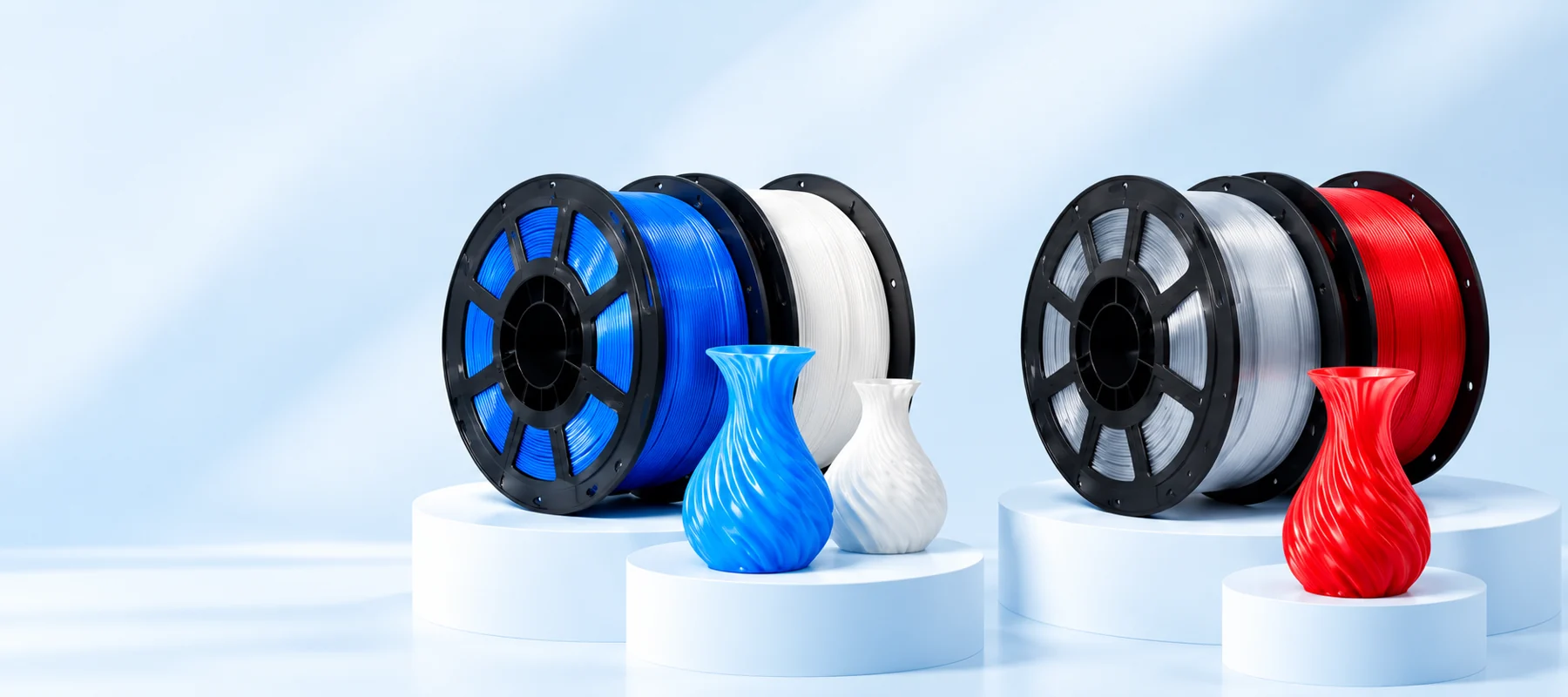
材料
Choosing PLA or PETG for your application
Compare the documented PLA and PETG series and use a clear application brief to guide your sample evaluation.
Read More →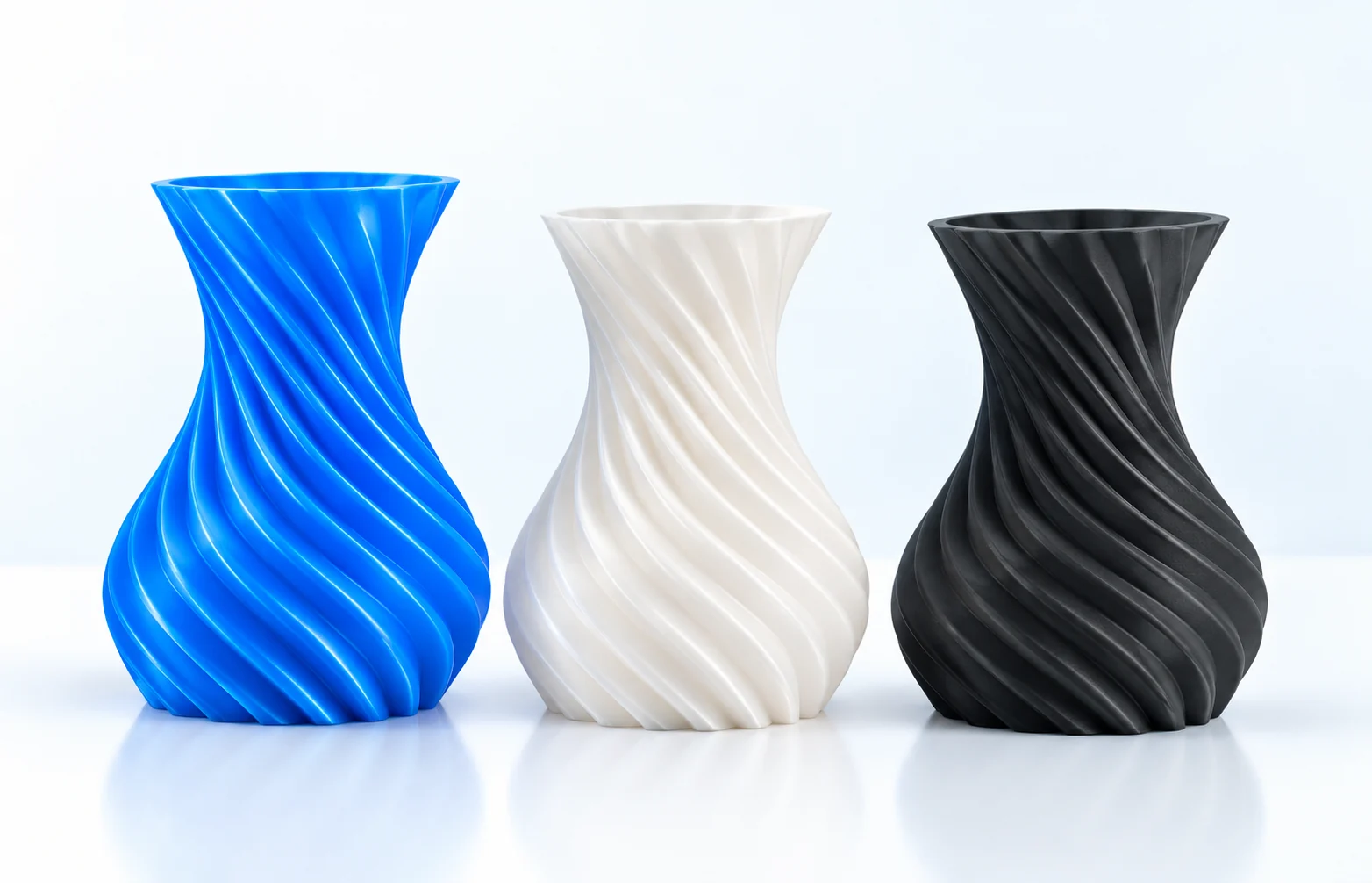
材料
Understanding silk and matte finishes
A practical look at appearance, light and the sample checks that help you compare filament finishes.
Read More →
REQUEST A SAMPLE
Talk to our team about
Talk to our team about
フィラメントが必要です.
Tell us your application and we will help you discuss the right material for your project.
中国山東省淄博市